AI Room Makeover for Renters: Redesign Without Renovating
Yes, renters can completely transform a room using AI, and without touching the walls, the floors, or the deposit. An AI interior design app like Archify takes a single photo of your rental and shows you a photorealistic redesign in seconds, so you can plan a removable makeover built entirely from furniture, textiles, rugs, lighting, and peel-and-stick decor before spending a cent.
The trick to renting well is separating what you can change from what you can’t. You can’t move a load-bearing wall or retile the bathroom, but you can change almost everything your eye actually lands on: the sofa, the rug, the curtains, the lamps, the art, the bedding. AI previewing lets you test those swaps virtually first, so the things you do buy actually work together and actually fit.
Why AI previewing is a renter’s best friend
The biggest renter mistake isn’t picking the wrong paint color (you’re probably not painting anyway). It’s buying furniture and decor that don’t work once they’re in the room — a rug that’s too small, a sofa that clashes with the landlord’s beige carpet, a lamp that disappears against the wall.
AI redesign tools solve this by showing you the result before checkout:
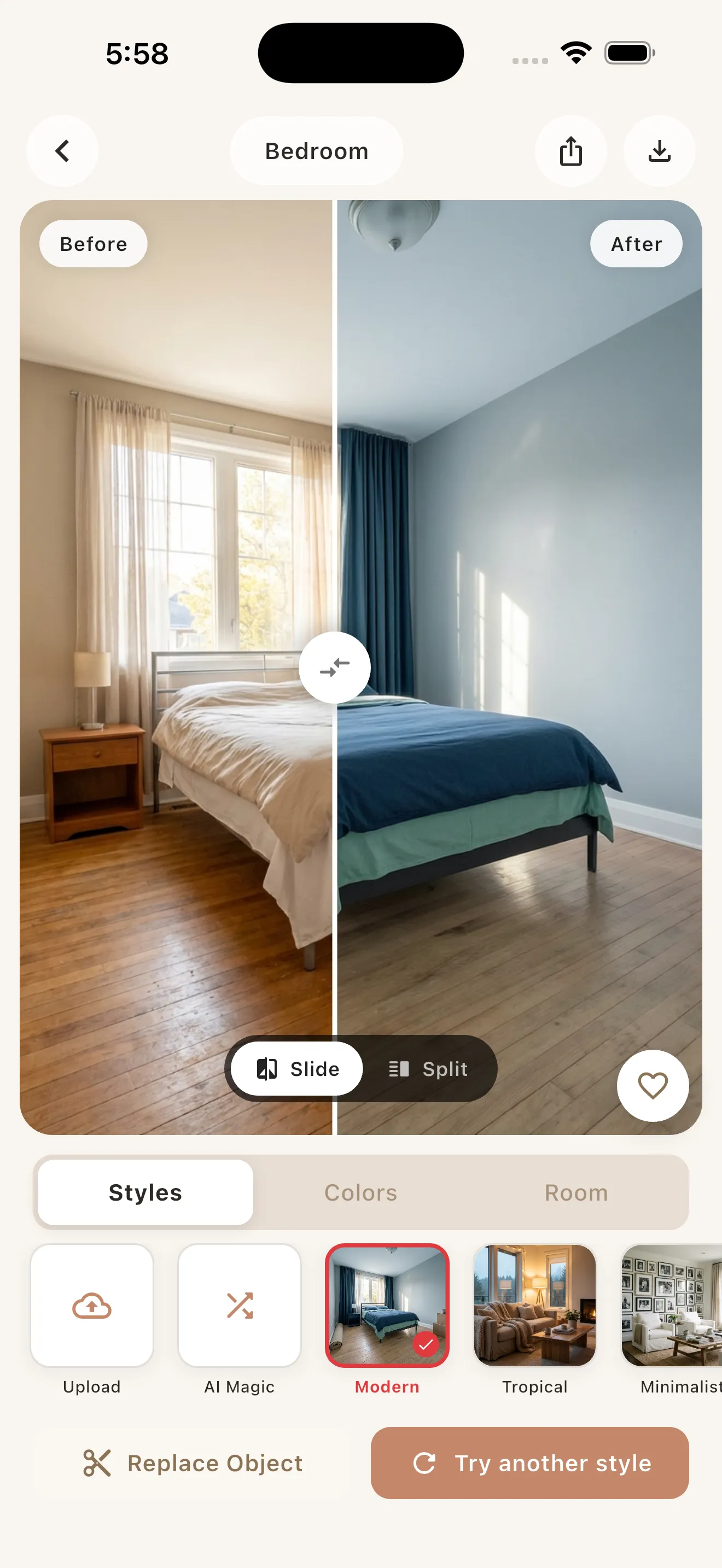
- It restyles your actual room. Archify preserves your real layout, walls, windows, and perspective. It restyles the room you’re standing in — it doesn’t invent a different one — so the preview reflects your true space, including the fixed elements you can’t change.
- It reduces wasted purchases. Seeing a Scandinavian palette or a Bohemian layer of textiles rendered into your living room helps you commit to a cohesive direction instead of buying piecemeal and returning half of it.
- It’s fast and low-commitment. Snap a photo, pick a style and palette, and compare before/after in seconds. Trying ten directions costs you minutes, not a single delivery fee.
A quick honesty note: AI renders are for visualization and inspiration, not construction-ready plans. For renters that’s perfect — you’re shopping and styling, not building.
Removable vs. permanent: what counts as deposit-safe
Before you plan, sort every idea into one of two buckets. As a rule of thumb, deposit-safe changes are the ones you can pack into a moving box on your last day.
| Deposit-safe (removable) | Risky / needs landlord approval |
|---|---|
| Freestanding furniture, rugs, runners | Painting walls or ceilings |
| Curtains on tension or existing rods | New permanent flooring or tile |
| Peel-and-stick wallpaper & tile decals* | Drilling many holes / new fixtures |
| Plug-in & clip-on lighting, smart bulbs | Hardwired light fixtures |
| Leaning art, command-strip frames | Built-in shelving, anchored units |
| Plants, baskets, textiles, throws | Replacing cabinetry or countertops |
*Always patch-test peel-and-stick products on a hidden spot and confirm with your lease — “removable” finishes can still grip painted or textured walls.
Renter-friendly makeover ideas, room by room
Use AI to preview each of these against a photo of your real space, then buy only what survives the preview.
Living room
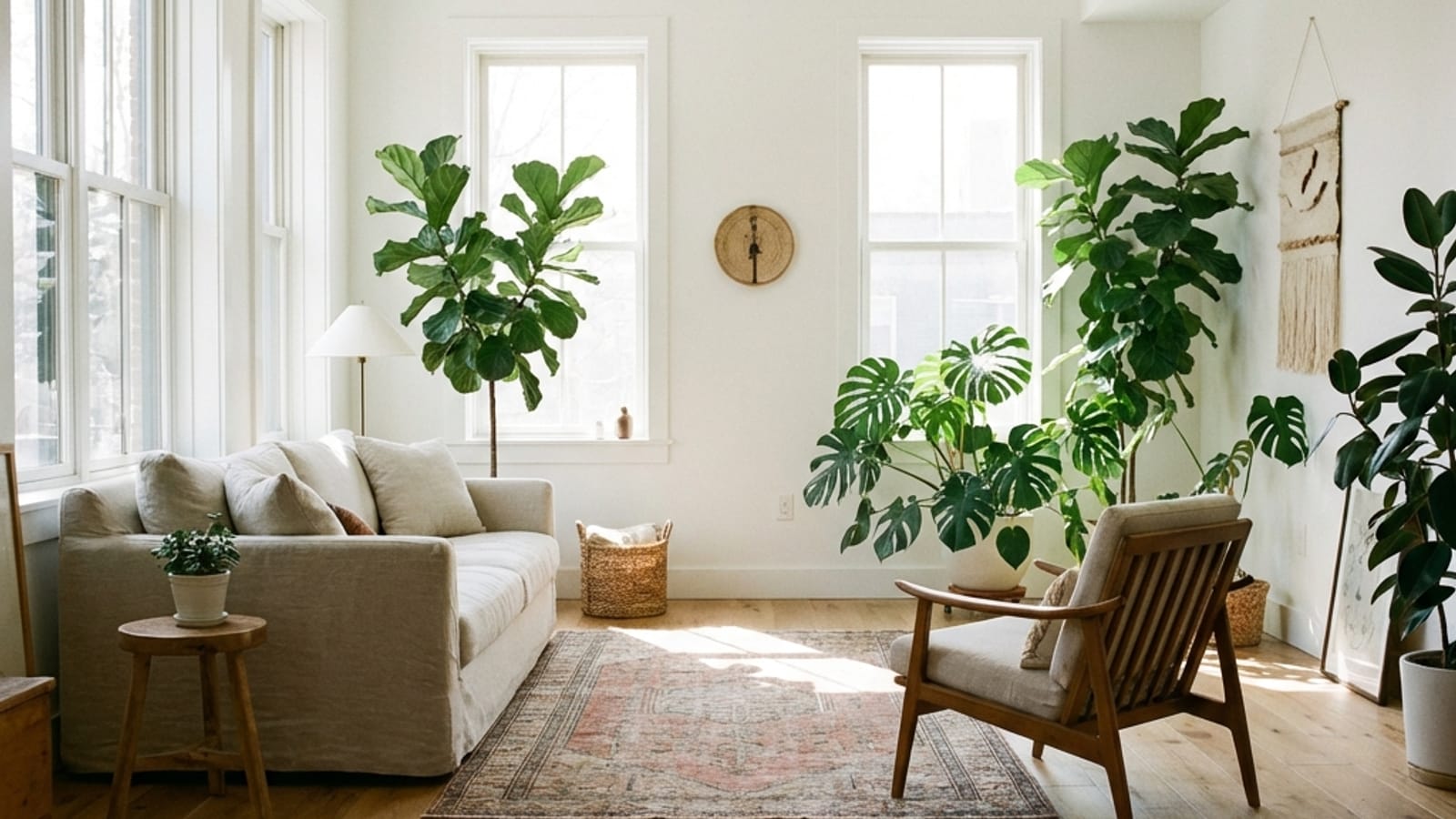
The living room is where removable styling has the biggest payoff. Anchor the space with a large area rug to cover dated or neutral flooring, then build on top of it. Swap the lighting story entirely with floor and table lamps plus warm smart bulbs so you never depend on a harsh ceiling fixture. Layer a slipcover or throw over an inherited sofa, lean a big piece of art against the wall, and add a couple of plants. Preview a Mid-Century or Japandi palette to see how warm woods and muted tones pull mismatched pieces together.
Bedroom
Bedrooms transform fastest because bedding does most of the work. Preview a new duvet, layered pillows, and a textured throw in a calm palette like Coastal or Minimalist. Add a headboard alternative — a tapestry, a slim peel-and-stick panel, or two leaning frames — to fake a focal wall. Floor-length curtains hung high and wide make ceilings feel taller; clip-on reading lights replace the bedside lamp you don’t have room for.
Kitchen
You almost certainly can’t change the cabinets, so style around them. Peel-and-stick backsplash tiles, removable contact paper on open shelves, a runner rug, and a cohesive set of countertop canisters do enormous visual lifting. Swapping in under-cabinet stick-on LED strips warms up the whole room. Preview a Farmhouse or Modern look to decide whether to lean cozy or clean before buying.
Bathroom
Rental bathrooms respond well to soft, removable layers: a plush bath mat, a fabric or fresh liner shower curtain, matching towels, and a small set of jars and trays. Peel-and-stick floor or wall decals and a stick-on mirror frame can modernize builder-grade fixtures. Add a trailing plant and a battery puck light for warmth. AI previewing helps you pick one palette so the towels, curtain, and mat actually coordinate.
Outdoor: patios, balconies, and entryways
Renters often forget exterior space, but Archify works on patios, balconies, front yards, and facades too. Preview an outdoor rug, folding bistro set, string lights, and potted plants to turn a bare concrete balcony into a usable room — all of it packs up when you move. For more on the full workflow, see this step-by-step guide to remodeling a room with AI.
A simple renter workflow with AI
- Photograph the room in good daylight, capturing the fixed elements you have to live with.
- Pick a style and palette. Archify offers 21 styles (Scandinavian, Minimalist, Bohemian, Industrial, and more) and 12 color palettes, so you can test directions quickly.
- Generate before/after previews and compare which look hides the rental’s weak points best.
- Shop the preview, prioritizing removable, deposit-safe items from the table above.
- Keep the originals. Box up the landlord’s curtains and fixtures so you can restore everything on move-out day.
Archify is free to download and try, with your first redesigns free and unlimited AI redesigns available through an in-app subscription. It’s on the iPhone App Store now (Android is coming soon), built by 00lar Solutions. If you want to weigh it against other tools first, this roundup of the best AI interior design apps in 2026 is a good starting point.
The bottom line
Renting doesn’t mean settling. By focusing on removable layers — furniture, rugs, textiles, lighting, and peel-and-stick decor — and previewing them with AI before you buy, you can give any rental a genuine makeover without renovating and without risking your deposit. The preview step is what saves the money: you commit to a direction, buy with confidence, and skip the returns.
If you’ve been staring at a beige rental wishing it felt like yours, snap one photo and see what a few deposit-safe swaps could look like. It’s a low-stakes way to fall in love with a space you don’t technically own.
Frequently asked questions
Can I redesign my rental with AI without losing my deposit?
Yes. Archify lets you preview redesigns from a single photo, then you simply choose removable items to execute the look. Stick to deposit-safe changes like freestanding furniture, rugs, curtains, plug-in lighting, and lease-approved peel-and-stick decor. Avoid painting, drilling, or permanent flooring, and box up the landlord's originals so you can restore everything on move-out day.
Does Archify change my actual room or generate a fake one?
Archify restyles your real room. It preserves your existing layout, walls, windows, and perspective, so the before/after preview reflects the actual space you rent, including the fixed elements you can't change. That accuracy is exactly why it's useful for renters: you see how new furniture and decor would look against your real, unchangeable features before buying.
How does AI previewing save renters money?
It prevents wasted purchases. Instead of buying a rug, sofa, or lamp and hoping it fits, Archify shows the result rendered into your room first. You commit to one cohesive style and palette, then buy only the pieces that work in the preview, cutting down on returns, mismatched decor, and impulse buys that never look right in person.
Is Archify free to try, and what does it cost?
Archify is free to download and try, and your first redesigns are free. Unlimited AI redesigns are available through an in-app subscription. It's available now on the iPhone App Store, with Android coming soon. Designs are meant for visualization and inspiration, so it's a low-cost way to plan a rental makeover before spending on furniture.
Which rooms can I make over with Archify as a renter?
All of them. Archify works on interiors like bedrooms, living rooms, kitchens, and bathrooms, plus exteriors like patios, balconies, front yards, and gardens. For renters that means you can preview removable upgrades anywhere, from a peel-and-stick kitchen backsplash to string lights and a folding bistro set on a bare balcony.